Accessing the Audit Log Screen
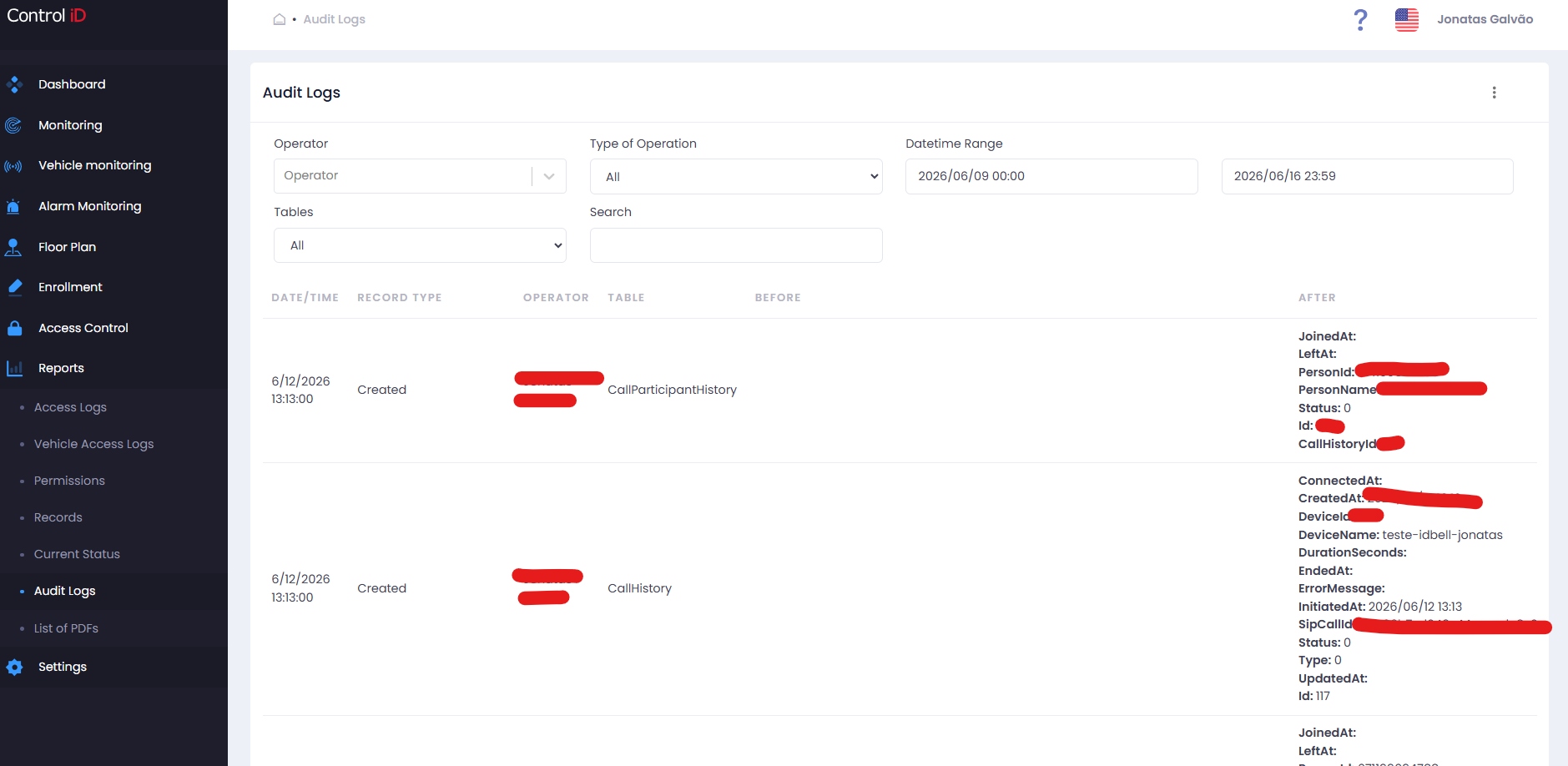
To view the history of changes made by operators in the system, navigate via the side menu: Reports > Audit.
Overview
The Audit Log records all operations performed by operators in the system, including logins, creations, updates, deletions, and reactivations. You can view the previous and new state of any modified record, making it useful for traceability and compliance (LGPD and internal policies).
Filtering Audit Records
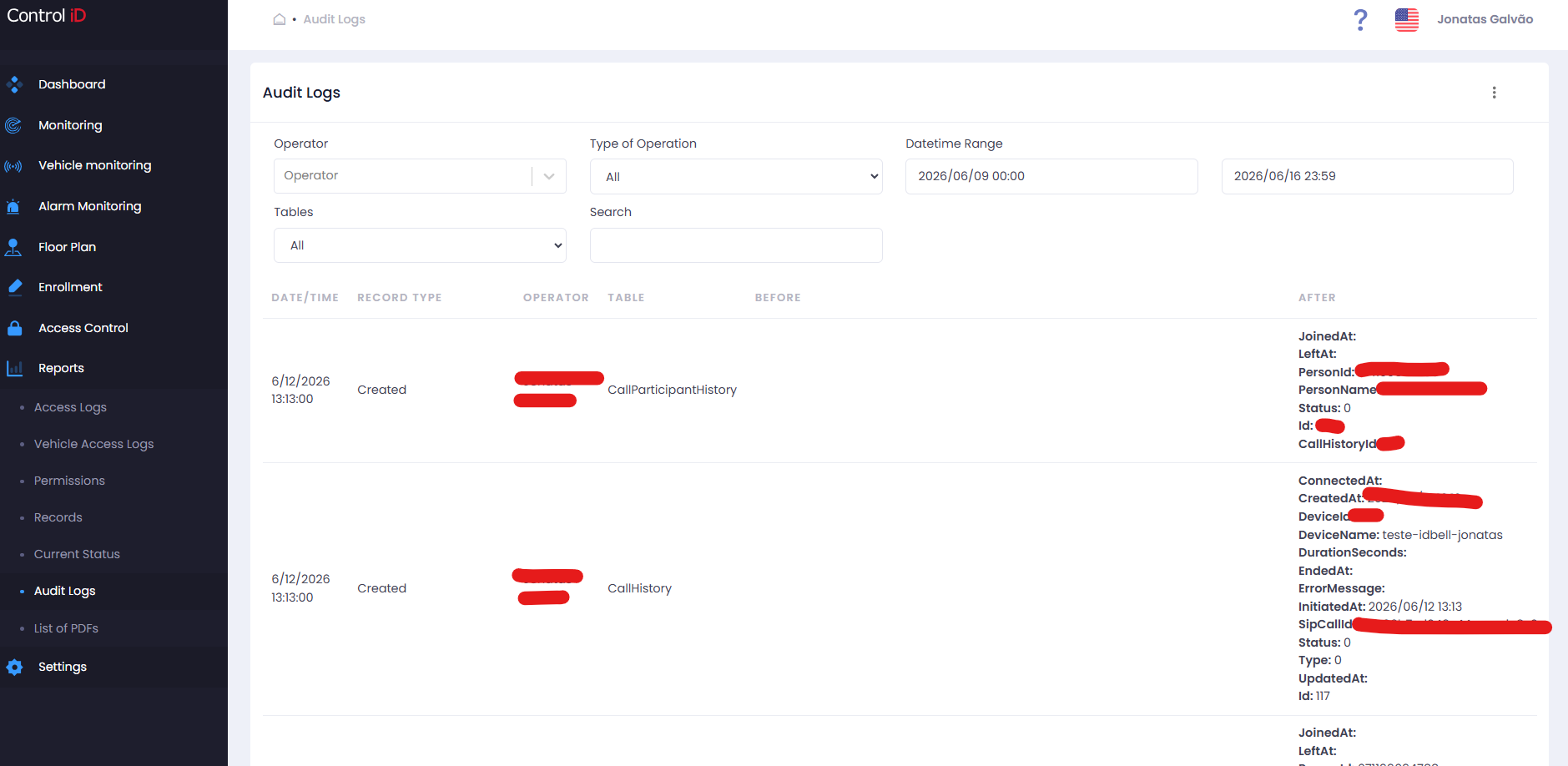
The filter panel at the top of the screen includes:
- Operator: Search by the name of the operator who performed the action.
- Operation Type: Filter by the type of action performed:
- All
- Login
- Logout
- Create
- Update
- Delete
- Reactivate
- Time Range: Select the query period. The default shows the last 8 days.
- Tables: Filter by the system entity that was changed (e.g., People, Visitors, Access Rules, Devices, etc.).
- Search: Free-text field to search within record content (auto-updates after typing).
Search and Display
The results table displays the following columns:
- Date/Time: When the operation was performed.
- Record Type: Type of operation (Create, Update, Delete, etc.).
- Operator: Name of the operator who performed the action.
- Table: System entity that was modified.
- Before: Record values before the change (JSON format).
- After: Record values after the change (JSON format).
The Before and After columns allow you to compare the previous and new state of a record, identifying exactly what was changed.
Default pagination shows 10 records per page and can be adjusted to 25, 50, or 100 records.
Exporting Data
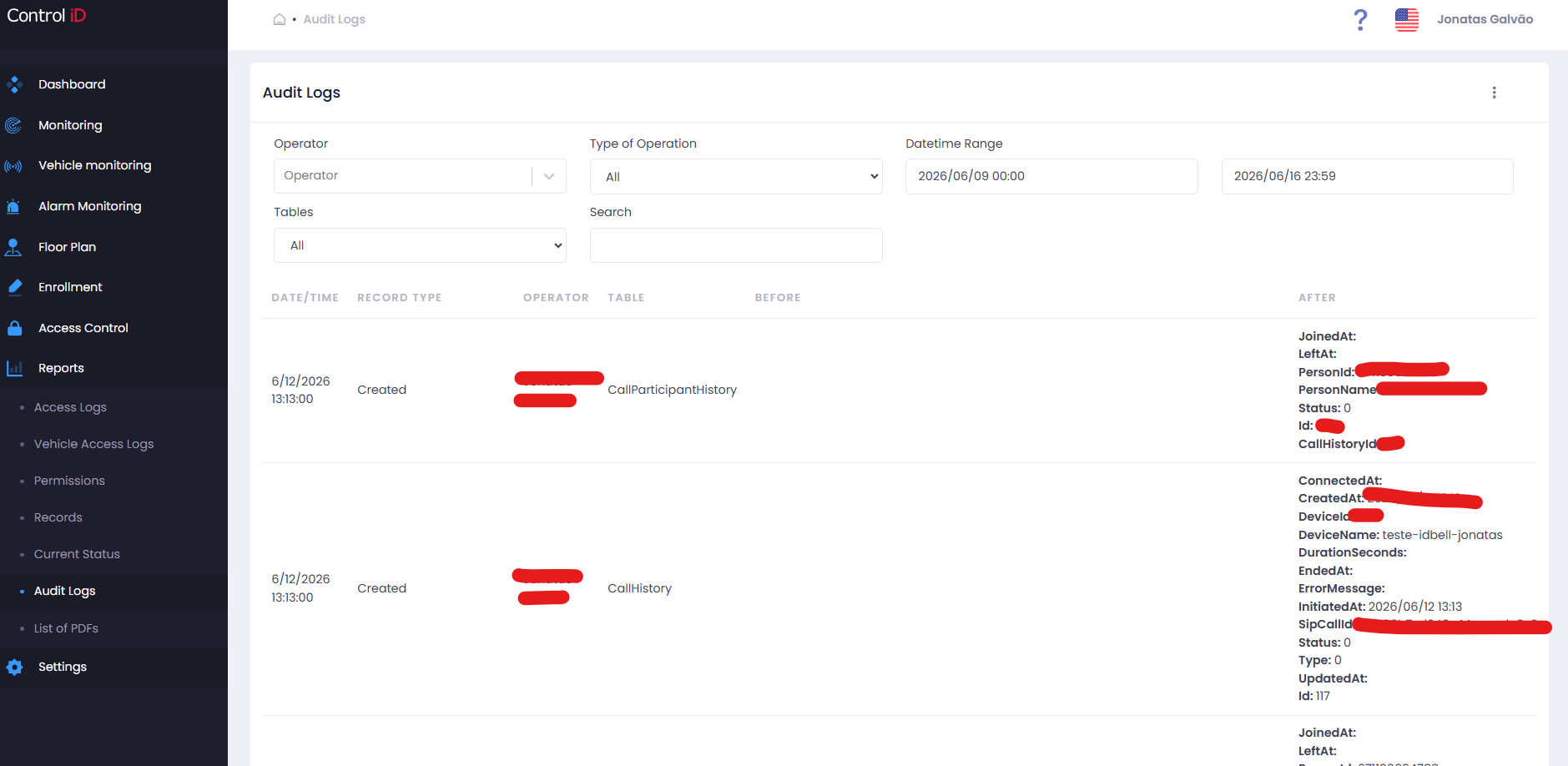
To export the audit history:
- Configure the desired filters (operator, operation type, period, table).
- Click
Export CSVin the toolbar. - The file will be automatically downloaded with columns: DATE/TIME, RECORD TYPE, OPERATOR, TABLE, BEFORE, AFTER.
Note: Access to the Audit screen requires specific operator permissions (Reports module, Audit functionality). Contact your administrator if this option is not visible in your menu.