Accessing the Record Reports Screen
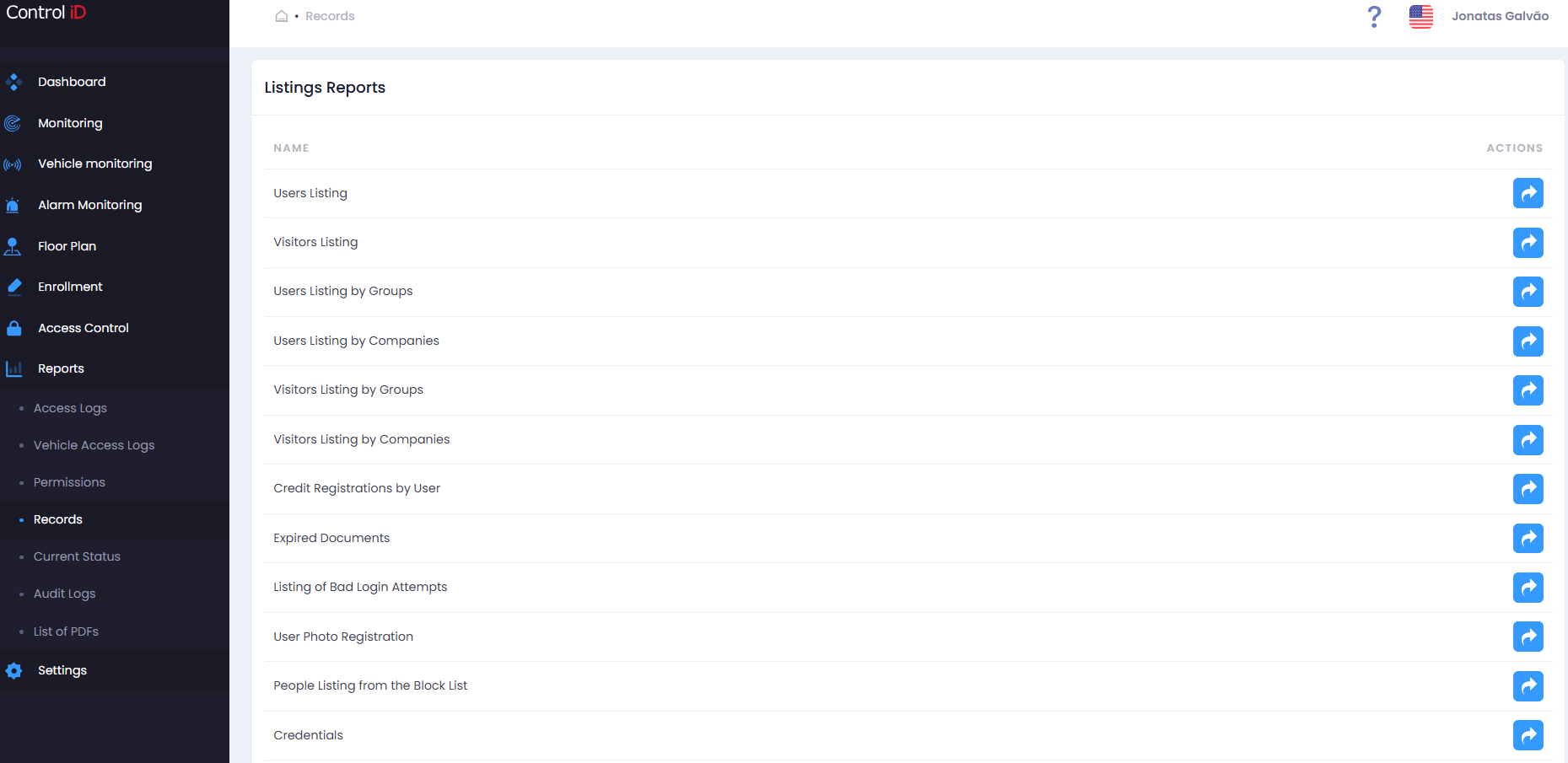
To query reports on registration data and credential information, navigate via the side menu: Reports > Records.
Overview
The Record Reports Center offers queries on data registered in the system — people, visitors, credentials, documents, and history logs. The available sub-reports are:
- People Records: Registration data for people with filters and column selection.
- Visitor Records: Registration data for visitors.
- People Records by Company: People grouped by linked company.
- Visitor Records by Company: Visitors grouped by company.
- Credits by Person: Credit balance and history for each person.
- Expired Documents: People or visitors with expired identification documents.
- Bad Login Attempts: History of operator authentication failures.
- Photo Register: Photo inventory by person.
- Block List Register: History of people who are or were on the block list.
- Credentials: Complete inventory of registered credentials (cards, biometrics, QR Code, password).
- Dwell Time by Area: Time each person spent in an area during a given period.
- Stay Time (Entry/Exit): Length of stay calculated from entry and exit events.
Filtering Records
The filter panel varies by selected sub-report. The most common filters are:
- Time Range: Delimits the query period.
- People / Visitors: Search by name.
- Groups and Companies: Filter by people group or linked company.
- Status: Show only active, inactive, or all records.
- Person Type: Distinguishes between Person and Visitor.
Sub-report: People Records
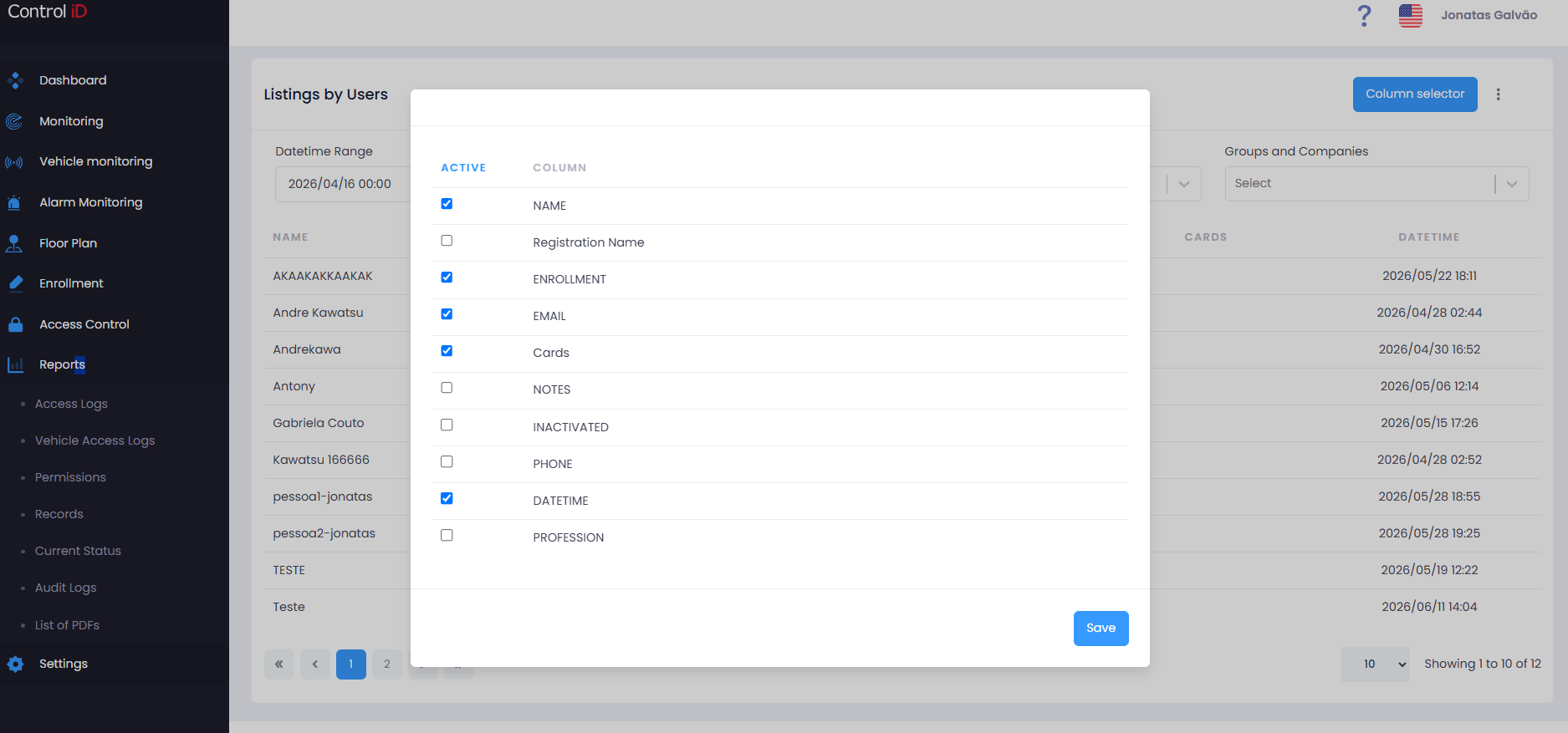
The results table allows selecting the columns to display. Available columns include:
- Name, Registration Name, Employee ID, CPF, RG, PIS, Email, Notes, Phone, Profession, Registration Date/Time, Active.
The report supports CSV export with the same selected fields.
Sub-report: Bad Login Attempts
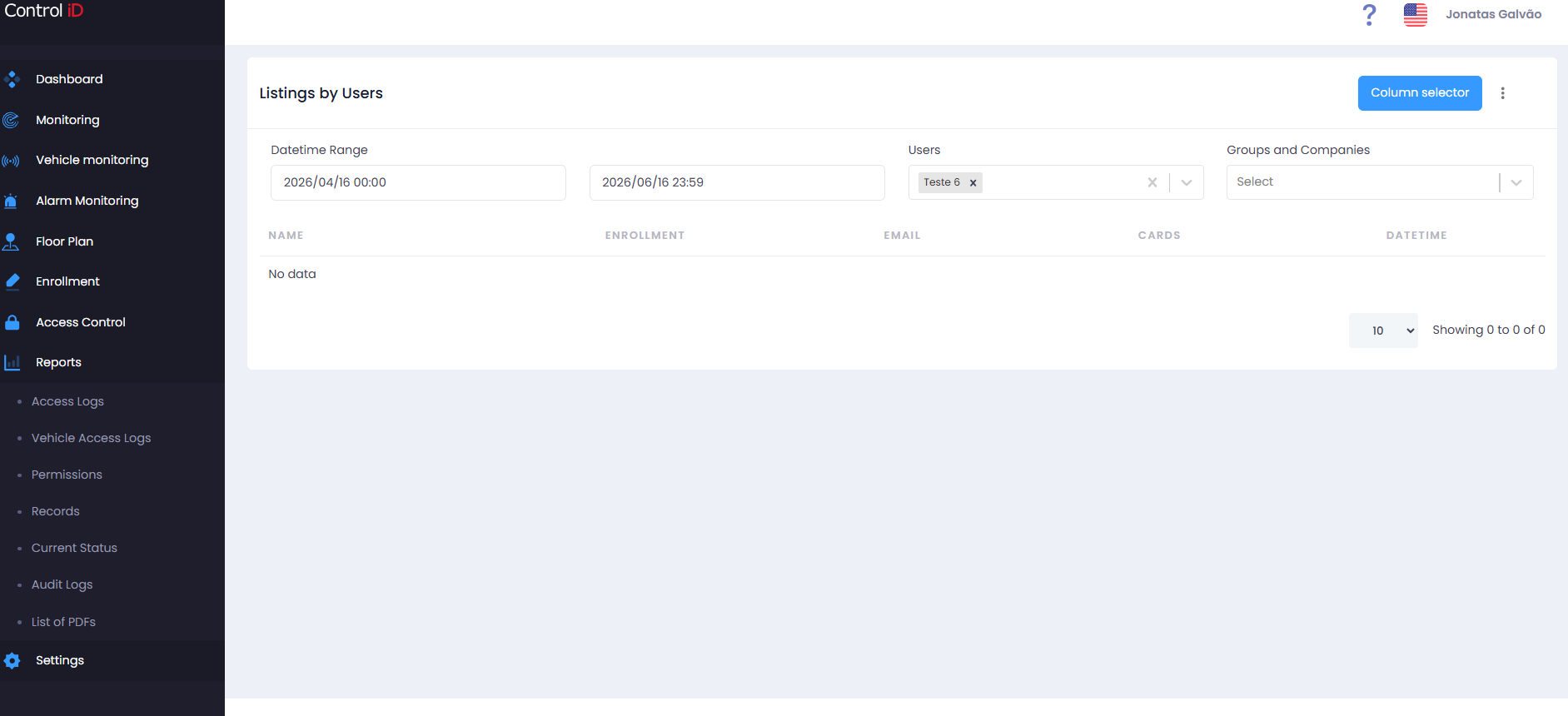
Displays operator authentication failure records. Available filters:
- Time Range: Query period (default: last 2 months).
- Users: Filter by specific operator.
- Error Reason: Type of failure:
- User not found
- Invalid password
Report columns: User, Date/Time, Error, IP, Profession.
Sub-report: Credentials
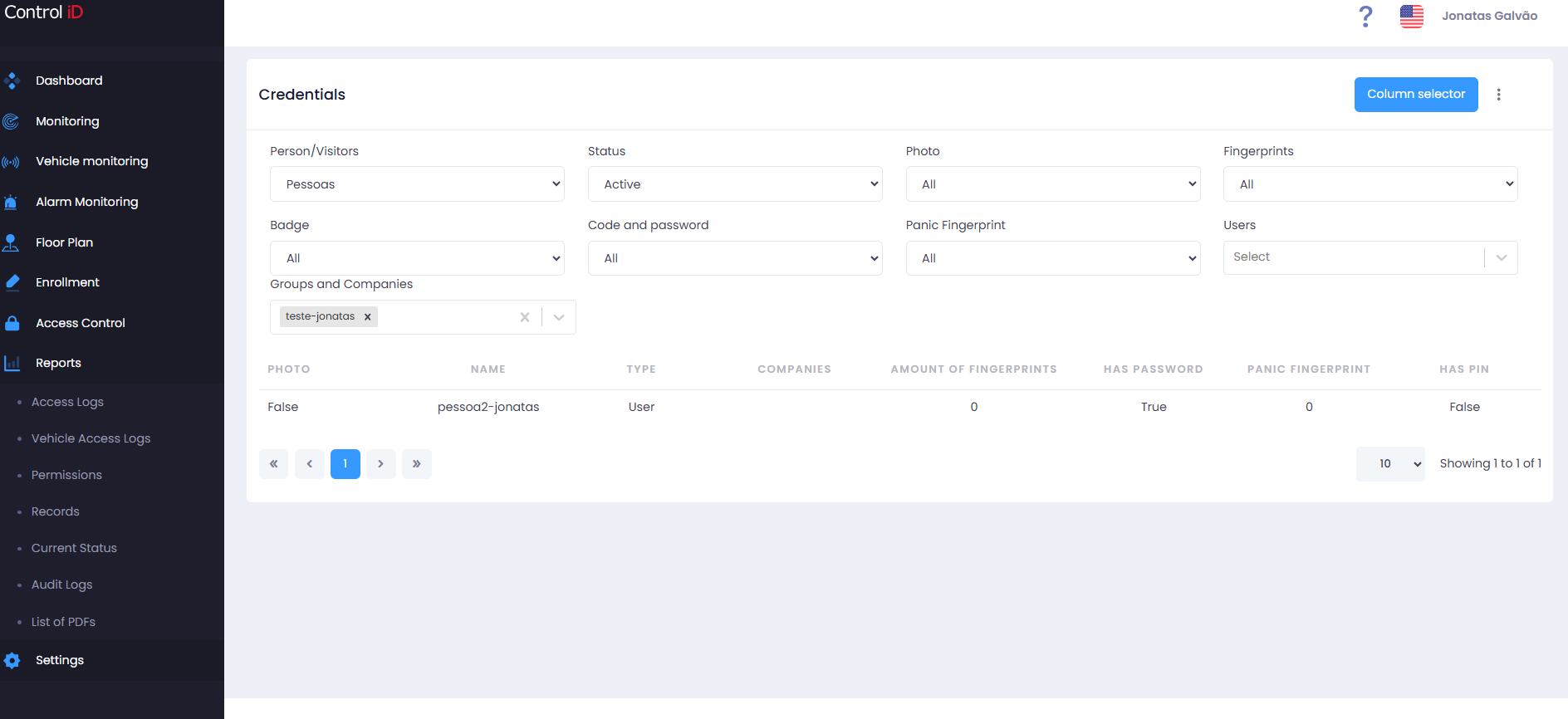
The Credentials report provides a complete inventory of registered identification methods. Available filters:
- Person Type: Person or Visitor.
- Status: Active, Inactive, or All.
- Photo: All / No photo / Low quality photo.
- Fingerprint: Filter only those with a registered fingerprint.
- Badges (Cards): Filter those with a registered card.
- Code and Password: Filter those with a numeric code or password registered.
- Panic Fingerprint: Filter those with a panic fingerprint registered.
Report columns: Photo, Name, Type, Company, Photo Quality, Number of Fingerprints, Number of Badges, Has Password, Panic Fingerprint, Panic Card, Numeric Code.
Sub-report: Dwell Time by Area
Calculates how long each person spent in each area. Available filters:
- Time Range
- People
- Groups and Companies
- Areas
- Person Type: Person or Visitor.
Report columns:
- Start Date and End Date of the stay.
- Name of the person.
- Area.
- Groups and Companies.
- Length of Stay (min).
- Notes.
The exported CSV file includes all the above fields.
Exporting Data
To export data from any sub-report:
- Select the desired sub-report.
- Configure the filters.
- Click
Export CSVin the toolbar. - The file will be automatically downloaded.
Note: For reports with large data volumes, it is recommended to apply period filters to improve query performance.