Accessing the Permission Reports Screen
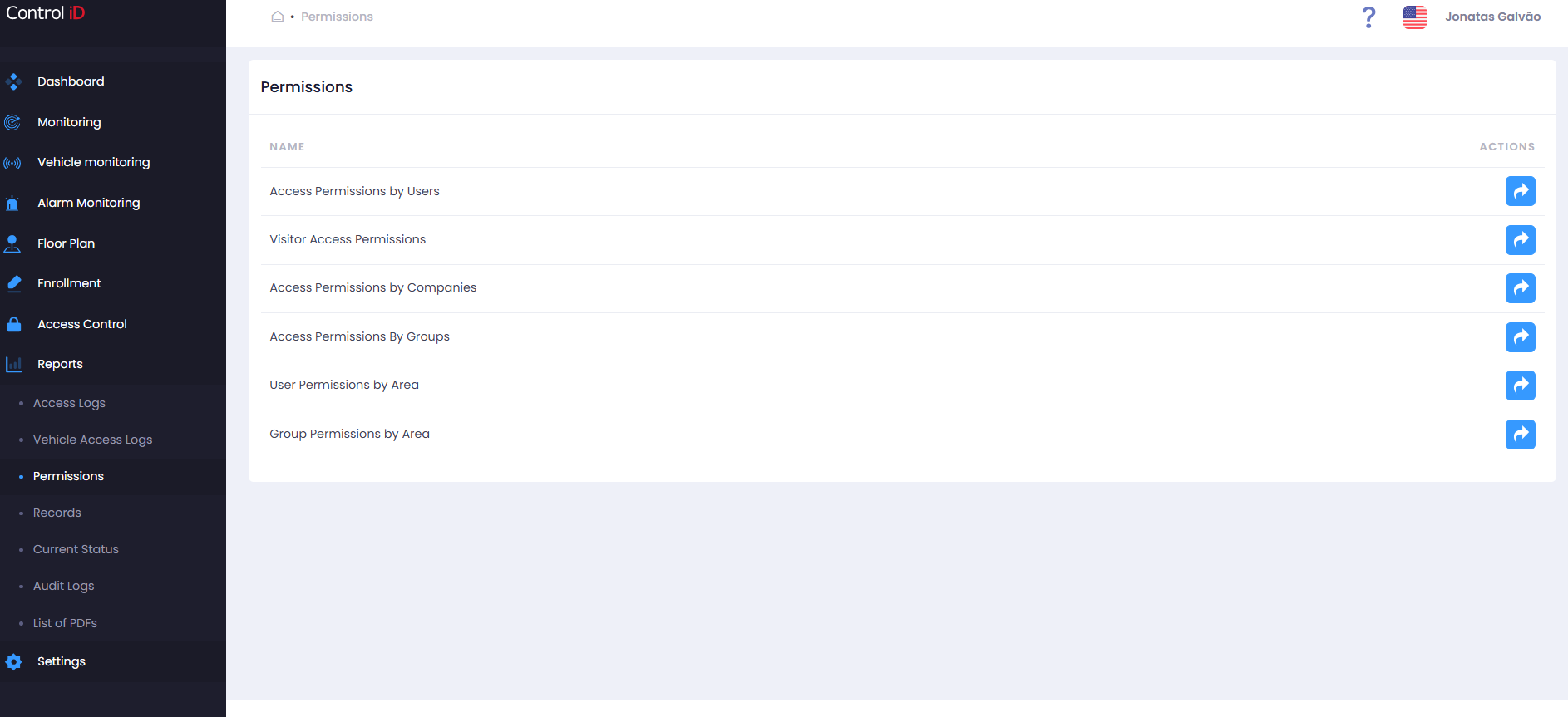
To view which accesses each person, visitor, group, or company holds, navigate via the side menu: Reports > Permissions.
Overview
The Permission Reports Center provides cards to query the system's access permission map. Unlike access reports (which show past events), this module shows what each person or group is allowed to access based on configured access rules. The available sub-reports are:
- Permissions by Person: Lists the areas and schedules each person is allowed to access.
- Permissions by Visitor: Permissions associated with registered visitors.
- Permissions by Company: View permissions assigned per company.
- Permissions by People Group: View permissions for each people group.
- Permissions by Visitor Group: Permissions associated with visitor groups.
- Person Permissions to Area: Which people have access to a specific area.
- Company Permissions to Area: Which companies have access to a specific area.
Filtering Permissions
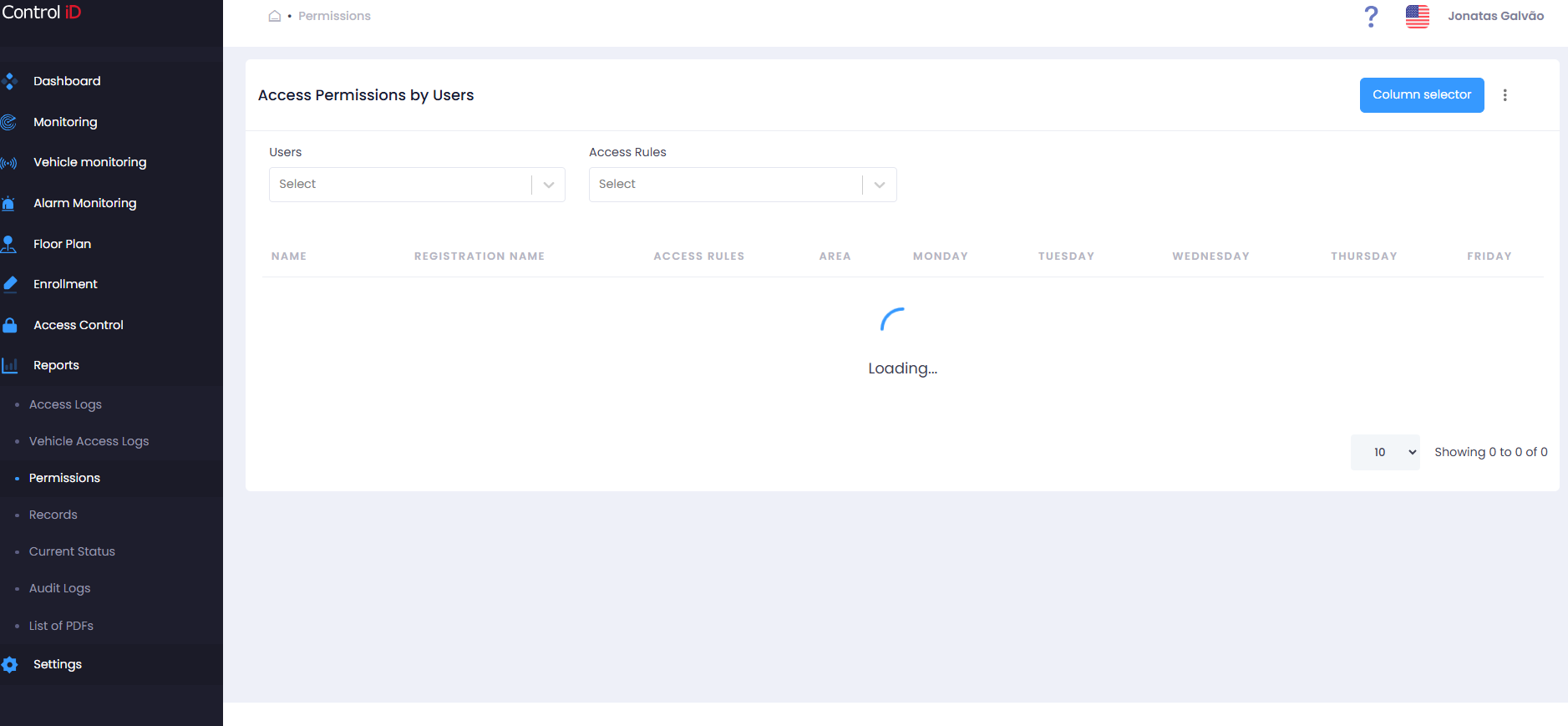
The filter panel available in the sub-reports includes:
- People / Visitors: Search by person or visitor name.
- Areas: Select one or more areas.
- Access Rules: Filter by a specific access rule.
- Groups: Select one or more people groups.
- Companies: Filter by linked company.
Search and Display
Sub-report: Permissions by Person
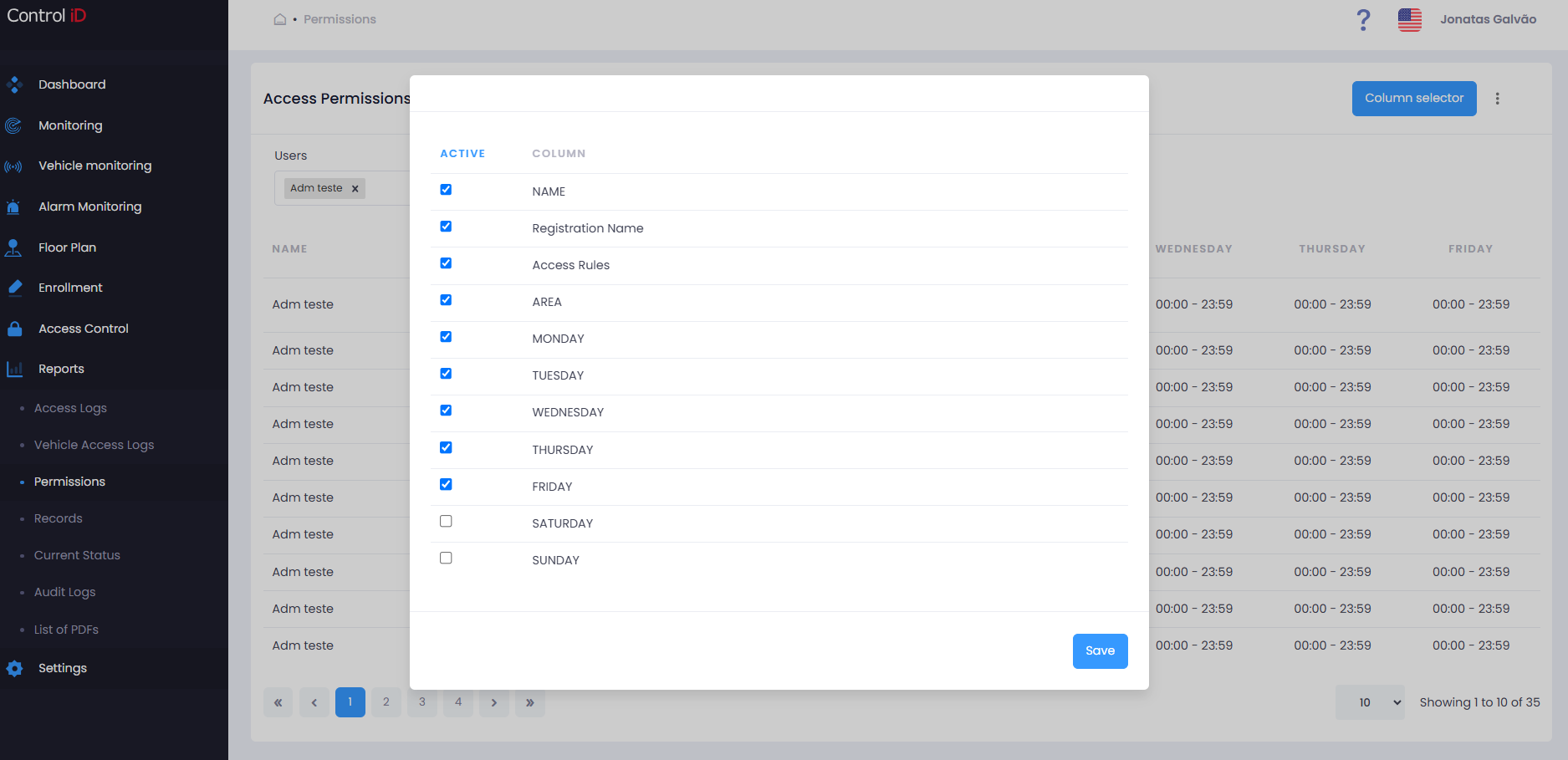
The results table displays:
- Name: Person's name.
- Registration Name: Registration name/employee ID.
- Access Rule: Name of the rule granting access.
- Area: Area to which access is permitted.
- Monday through Sunday: Indicates whether access is permitted on each day of the week (individual columns per day).
You can customize the displayed columns using the column selector in the toolbar. Default pagination shows 10 records per page.
Exporting Data
To export the permission mapping:
- Configure the desired filters.
- Click
Export CSVin the toolbar. - The file will be automatically downloaded.
Note: Permission reports reflect the current access rule configuration. Changes to rules are reflected immediately in the query results.