Accessing the Current Status Reports Screen
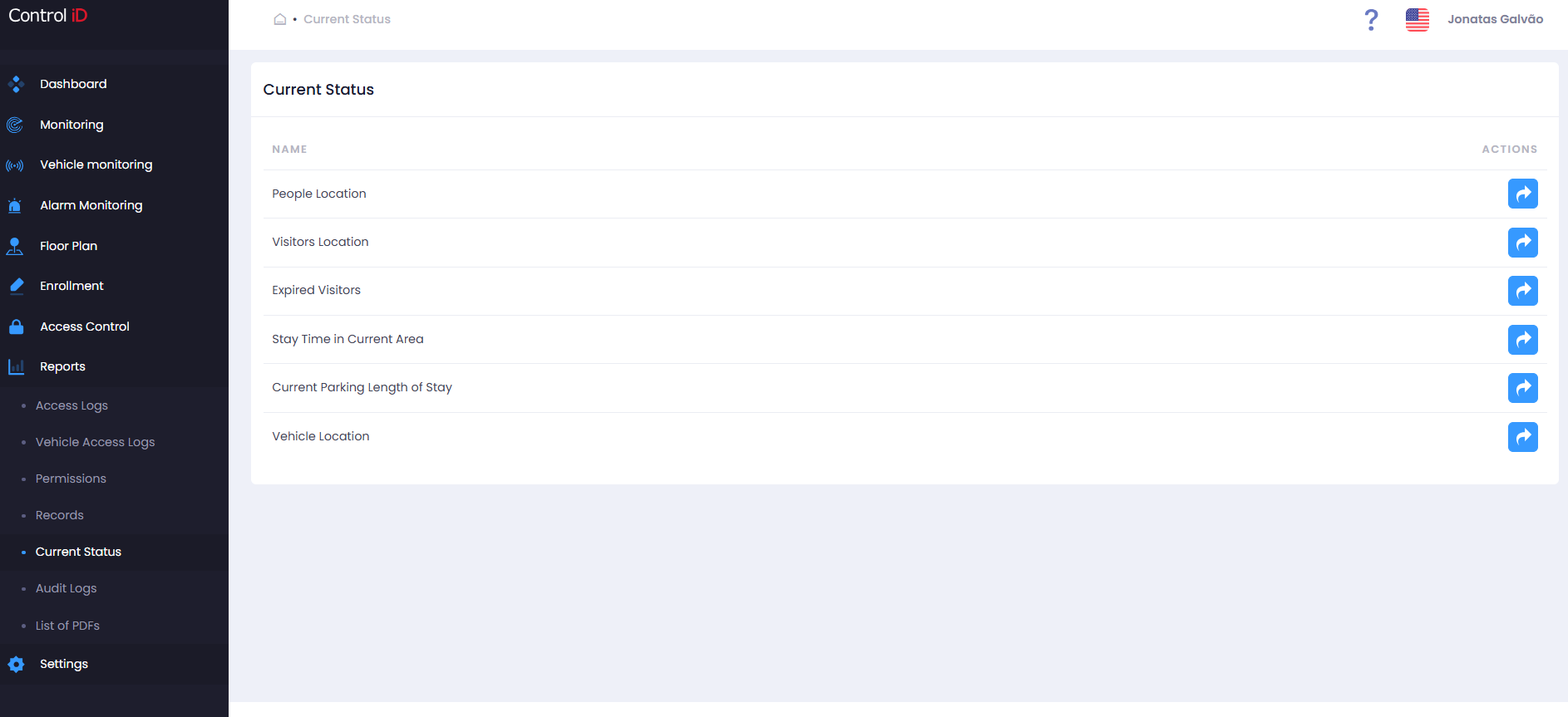
To view the real-time situation of people, visitors, and vehicles in the system, navigate via the side menu: Reports > Current Status.
Overview
The Current Status Center provides queries on the current location and presence of people, visitors, and vehicles in areas and parking lots. Data reflects the most recent state recorded by the system. The available sub-reports are:
- People Location: Lists where each person is currently located (last recorded area).
- Visitor Location: Current location of visitors.
- Expired Visitors: Visitors whose authorization period has expired and are still in the system.
- Number of People/Visitors Present by Company: Presence count grouped by company.
- People/Visitors Present at Company: Detailed list of people present at each company.
- Length of Stay in Current Area: How long each person has been in their current area.
- Length of Stay in Current Parking: How long vehicles have been in parking lots.
- Vehicle Location: Current location of vehicles.
Filtering Current Status
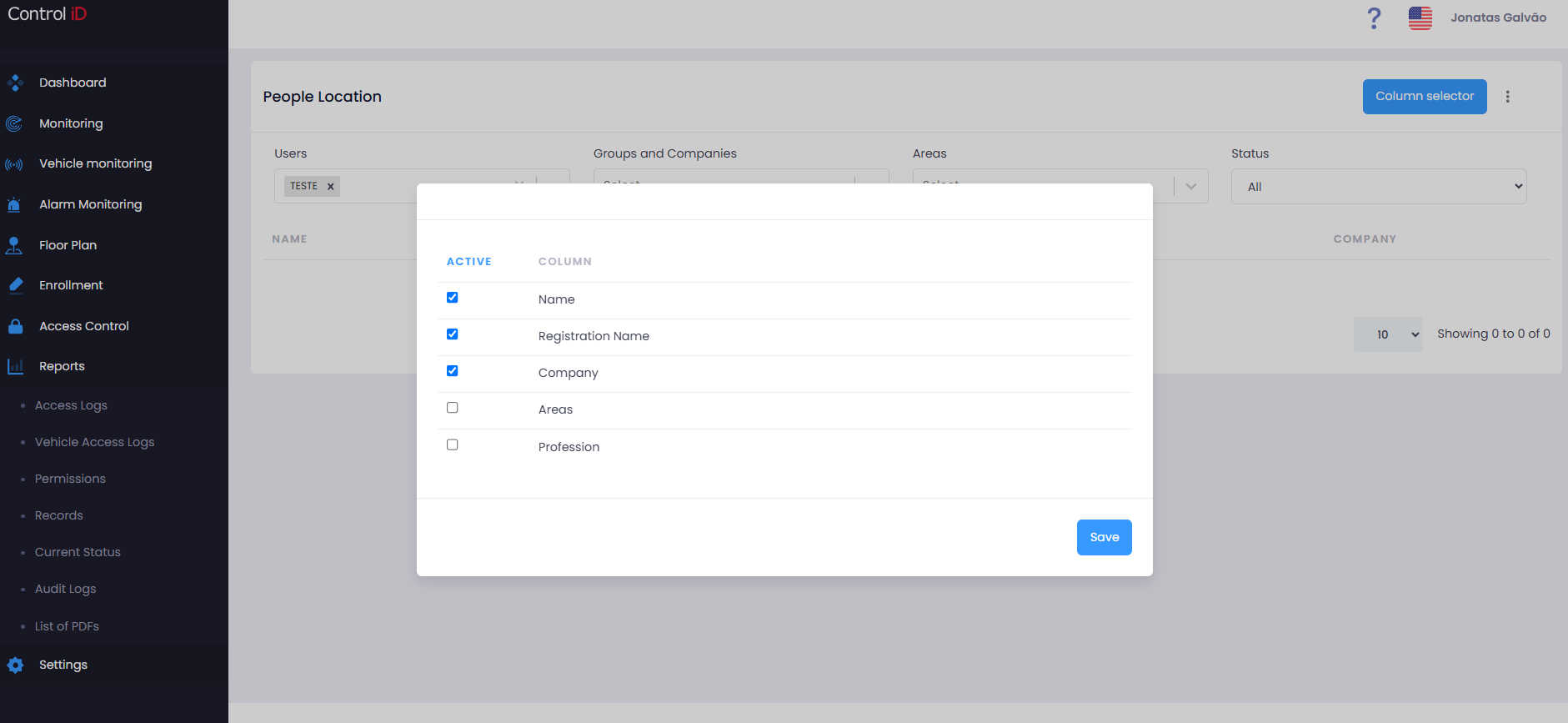
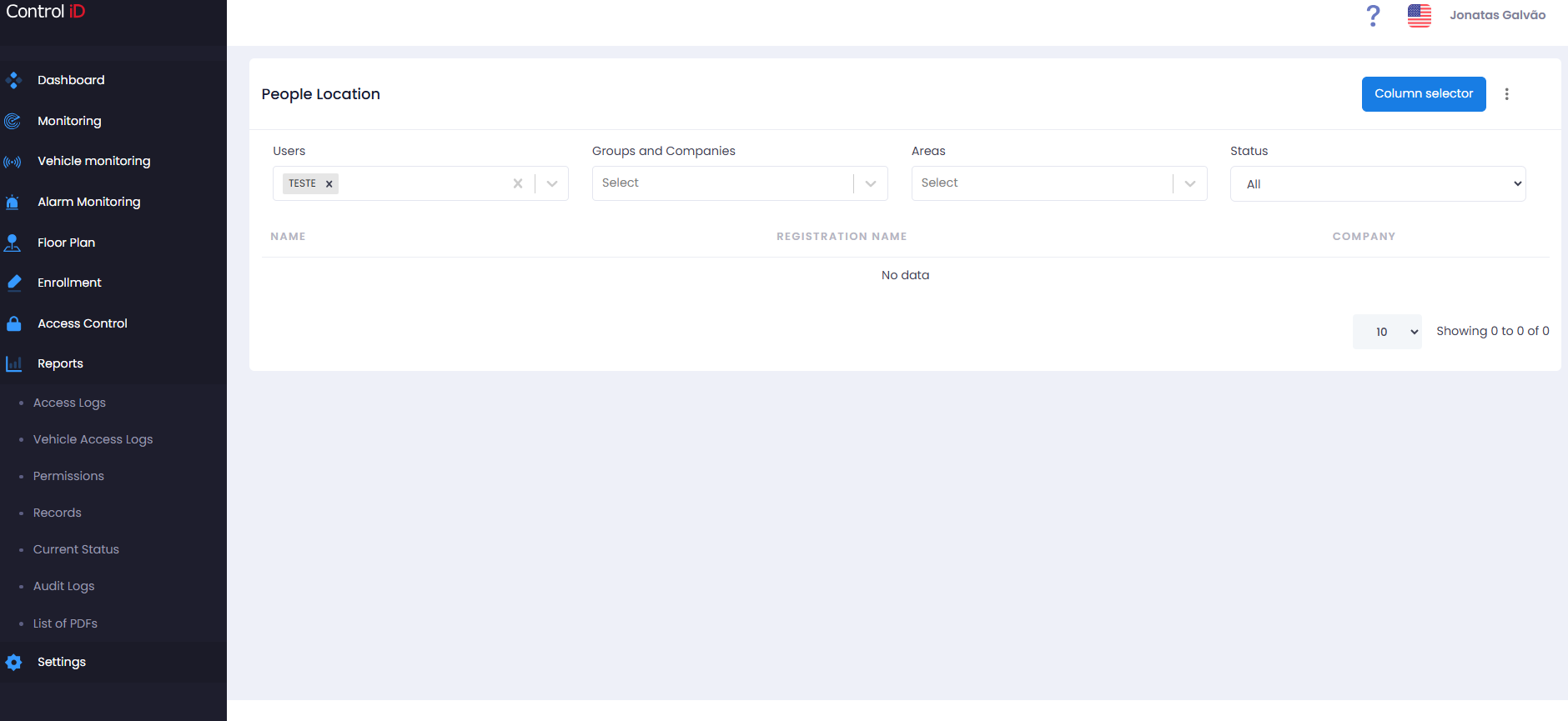
Available filters vary by sub-report. The most common filters are:
- People / Visitors: Search by name.
- Groups and Companies: Filter by group or linked company.
- Areas: Select one or more physical areas.
- Status: Active, Inactive, or All.
Sub-report: People Location
Displays the current location (last recorded access area) of each person. Available columns include:
- Name
- Employee ID
- CPF
- Area: Last area recorded for the person.
- Date/Time: When the last access was recorded.
Sub-report: Expired Visitors
Lists visitors whose registration has expired (past validity date) and have not been removed or blocked. Useful for database cleanup. Displayed columns:
- Name of the visitor.
- Company linked.
- Expiration Date: Date on which the visitor expired.
Sub-report: Length of Stay in Current Area
Calculates how long each person has been in their current area. Columns include:
- Name
- Current Area
- Entry Date/Time
- Length of Stay: Duration since entering the current area.
Sub-report: Length of Stay in Current Parking
Similar to the above, applied to vehicles in parking lots. Columns include:
- Vehicle (license plate / identification)
- Driver
- Parking Lot
- Entry Date/Time
- Length of Stay
Exporting Data
To export data from any Current Status sub-report:
- Select the desired sub-report.
- Configure the filters.
- Click
Export CSVin the toolbar. - The file will be automatically downloaded.
Note: Current Status data reflects the last recorded access event for each person or vehicle. If communication with a device has failed, the displayed location may be outdated.